
Krupa Enterprises
Safety-net services website

Give callers a helpful first step, then connect them to the team that can answer. Our cloud IVR planning for Cyber City brings sales, support and branch calls into a simple journey for technology firms, B2B providers and service desks.
Share your existing number and busiest call times. We can map a short menu and show where calls go when your team is unavailable.
Illustrative workflow · final configuration depends on your tools and requirements
Interactive voice response (IVR) is an automated phone menu that lets callers choose a language, department or next step using their keypad or voice, depending on the setup. A cloud IVR system can route those calls without asking every caller to wait for a receptionist.
We start with the calls your Cyber City team receives most often. A concise greeting, Hindi and English options where useful, and a clear route to a person can reduce repeated transfers.
Use a short greeting and offer the caller a language choice where useful. Let them know which keys reach each team.
Send sales, support and branch calls to the right team. Pick a backup destination for calls that go unanswered.
Check which calls were answered or missed. Give each callback an owner and capture lead details in your CRM where supported.
See what a customer might hear when calling a Cyber City office. Open an option to follow the call.
“Thanks for calling. Press 1 for new enquiries or 2 if you’re already a customer.”
For your walkthrough, bring one common enquiry and one missed-call example. We can use them to map your main route and its backup.
Start with the calls you handle today. Use these examples to pick a setup to discuss for your Cyber City office.
Start with a short greeting, one business number and direct routing to sales or support. Agree who handles callbacks when both teams are busy.
Map the teams and hours for each location. Size your queue for the busiest part of the day and choose a backup destination for each branch.
Pick the events you want logged, such as a missed call or completed callback. Test one department first so your team can check the handoff before expanding it.
Share your current phone number, number of agents, peak simultaneous calls, working hours, preferred languages and CRM. Ask for the one-time setup cost, number rental, usage charges and the cost of future menu changes.
A useful IVR for Cyber City should reflect your working hours, teams and actual call reasons. Select the features that help callers and staff make progress.
Organise departments, languages, branches or enquiry types in a clear phone tree.
Send a caller to a team, number or next step based on the option they select and your configured rules.
Plan a different experience for after-hours enquiries, holidays and missed calls.
Guide callers to the relevant office or service team without adding confusion.
Use available call logs and reporting to see what happens after the phone rings.
Keep it simple to reach a person when a customer needs a conversation.
Choose the call options that fit how your Cyber City team works. We’ll confirm availability and charges with the selected telephony provider.
Offer Hindi and English or other supported languages at the start of the call. Review each prompt aloud before recording or configuring it.
Define how long callers should wait and where they go when the first team is busy, unavailable or offline.
Decide whether an unanswered call goes to voicemail or creates a callback task. Assign an owner and agree when they should respond.
Review answered, missed and abandoned calls, queue wait times and callback completion where the platform reports them.
Where recordings are needed and supported, agree on caller notices, who can listen and how long recordings are kept.
Compare virtual and toll-free options and check whether your current number can forward or migrate. Agree on a backup route before launch.
Share the phone platform, CRM and lead process used by your Cyber City team. We will map what can pass between them and test the handoff before relying on automation.
Explore call activity, lead records and agent context with compatible CRMs such as Zoho, HubSpot or Salesforce. The exact connection depends on your account and provider.
Consider voice assistance, transcription, summaries or enquiry classification where the chosen tools support them. We’ll define the use case and handoff to a person first.
Plan how inbound calls are logged, attributed and followed up alongside your campaigns and sales process.
Integration names are examples for compatibility review; availability and scope are confirmed for each project.
For Cyber City teams, the value is in what happens after the greeting. For example, route a new partnership lead to sales and a client support call to account care. The next step can be recorded for follow-up where supported.
Present a greeting and short menu matched to the reason people call.
Route the caller to the team or agent who can help.
Where systems allow, pass call details into a CRM or follow-up workflow.
Use the offer on your landing page to decide which team should answer. A call about a demo can go to sales, while existing customers can still reach support.
We can review eligible numbers, campaign settings and conversion tracking before you rely on call data to make budget decisions.
Explore our Google Ads services →Ad or landing page → business number → “Press 1 for new enquiries” → sales team.
If sales is busy, send the call to an agreed backup or log it for a callback. Assign someone to check that queue during the day.
Test the path from an outside phone and confirm whether the call is visible in your ad account or CRM where those connections are configured.
After launch, compare answered calls and completed callbacks by campaign where your reporting supports it.
Start with a short menu and the call routes your staff use every day.
Tell us which numbers, departments, languages, working hours and branches your team uses.
Review the proposed greeting, menu, overflow, human handoff, provider options and recurring charges.
Test from an outside phone, including wrong key presses, unanswered calls, holidays and any CRM handoffs in scope.
Brief staff on callback ownership, then check missed calls and caller drop-offs to see where the menu needs adjustment.
Digital Infinizy works with your Cyber City team to define the call reasons, greeting, ownership and follow-up. Ask us to show the proposed journey before choosing an IVR company or agency.
We map the questions your customers ask and keep menu choices clear, so callers can find a helpful route quickly.
Our website and Google Ads work can be planned alongside the phone journey, from the first enquiry to a timely response.
We review your existing phone and CRM tools before recommending an automation or handoff, and confirm what each connection can do.
Start with the essential departments, then plan additional branches, languages or after-hours paths as your needs evolve.
Automation should help, not trap callers. We make the route to the right person part of the call design and test it with your team.
We discuss your goals, available tools and implementation options before confirming the final IVR configuration.
These organisations appear in our existing service materials across different projects. Ask us for IVR-specific references when discussing your setup.
Different sectors need different first questions. We can adapt these call paths to Cyber City businesses without burying callers in long menus.
Guide appointment, billing and general enquiries to the appropriate team. Keep sensitive discussions with a person.
Separate new property enquiries, site visit requests and existing customer support.
Help prospective students find admissions, course information and campus contacts.
Direct order questions, returns and new purchase enquiries to the teams that handle them.
Distinguish new business, appointments and existing client matters.
Route callers by city, branch or service area while keeping a consistent greeting.
Route technical support, renewals and new demos to separate teams.
Separate bookings, changes and front desk enquiries, including after-hours calls.
Send pickup requests, delivery queries and escalations to the right operations desk.
Route showroom enquiries, service bookings and job-status calls to the right branch.
Give tenants, prospective members and vendors clear routes to the appropriate desk.
Send partnership, support and vendor calls to their assigned owners.
For Cyber City, a clear greeting can separate new enquiries from existing customer calls before anyone waits on hold. We can design routes for Cyber City and neighbouring Gurugram offices, assign a person to each path and test what happens outside working hours.
Plan a shared greeting with separate routes for your local offices, regional teams or national support desk.
Send tenant, vendor and sales enquiries to the people responsible for each office or department.
Give callers a branch option or direct them by enquiry type when teams share a business number.
Plan one menu for regional coverage, with local hours, languages and backup numbers where needed.
Browse examples of websites designed for businesses and education teams.
Safety-net services website
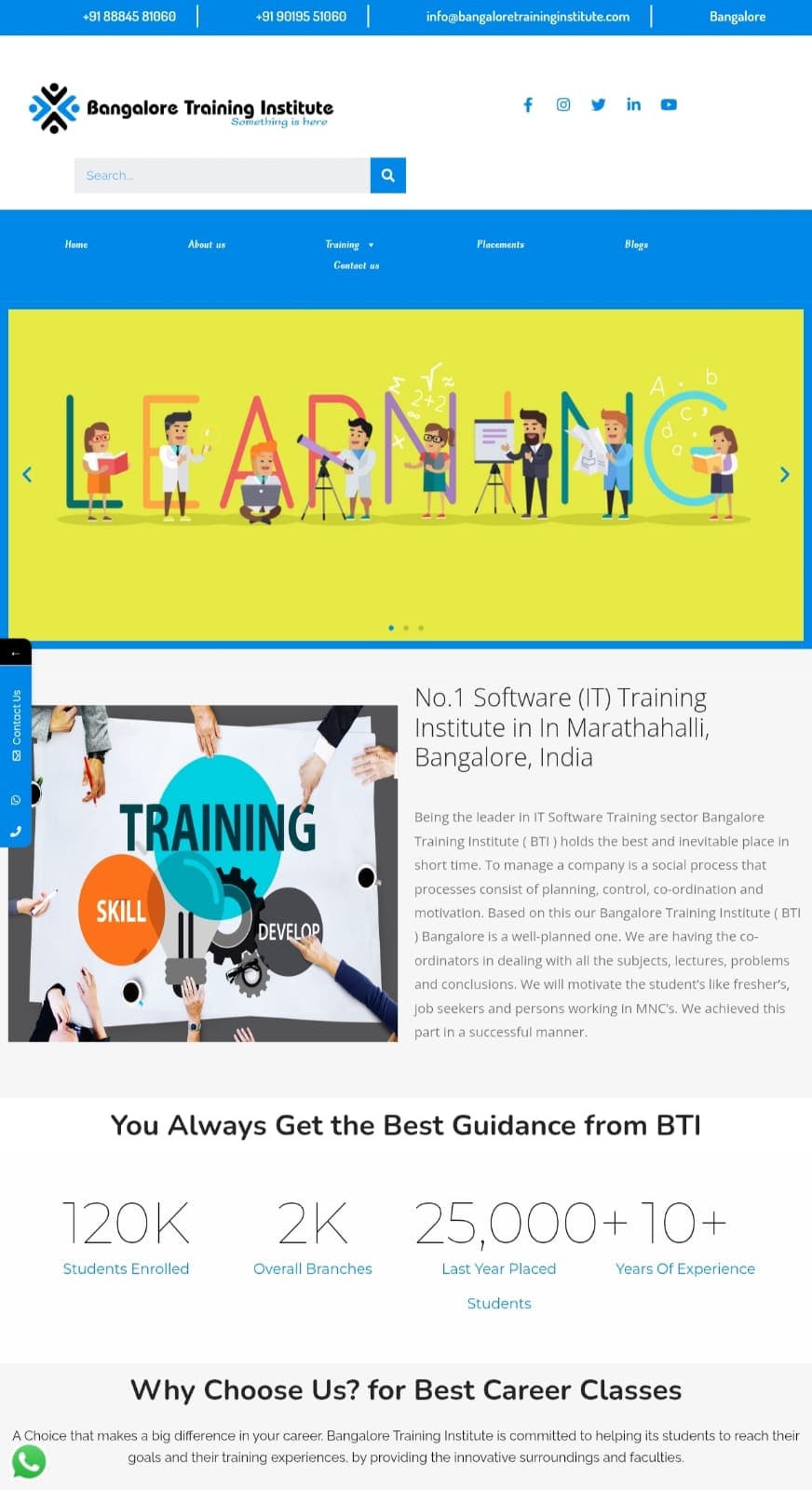
Training institute website
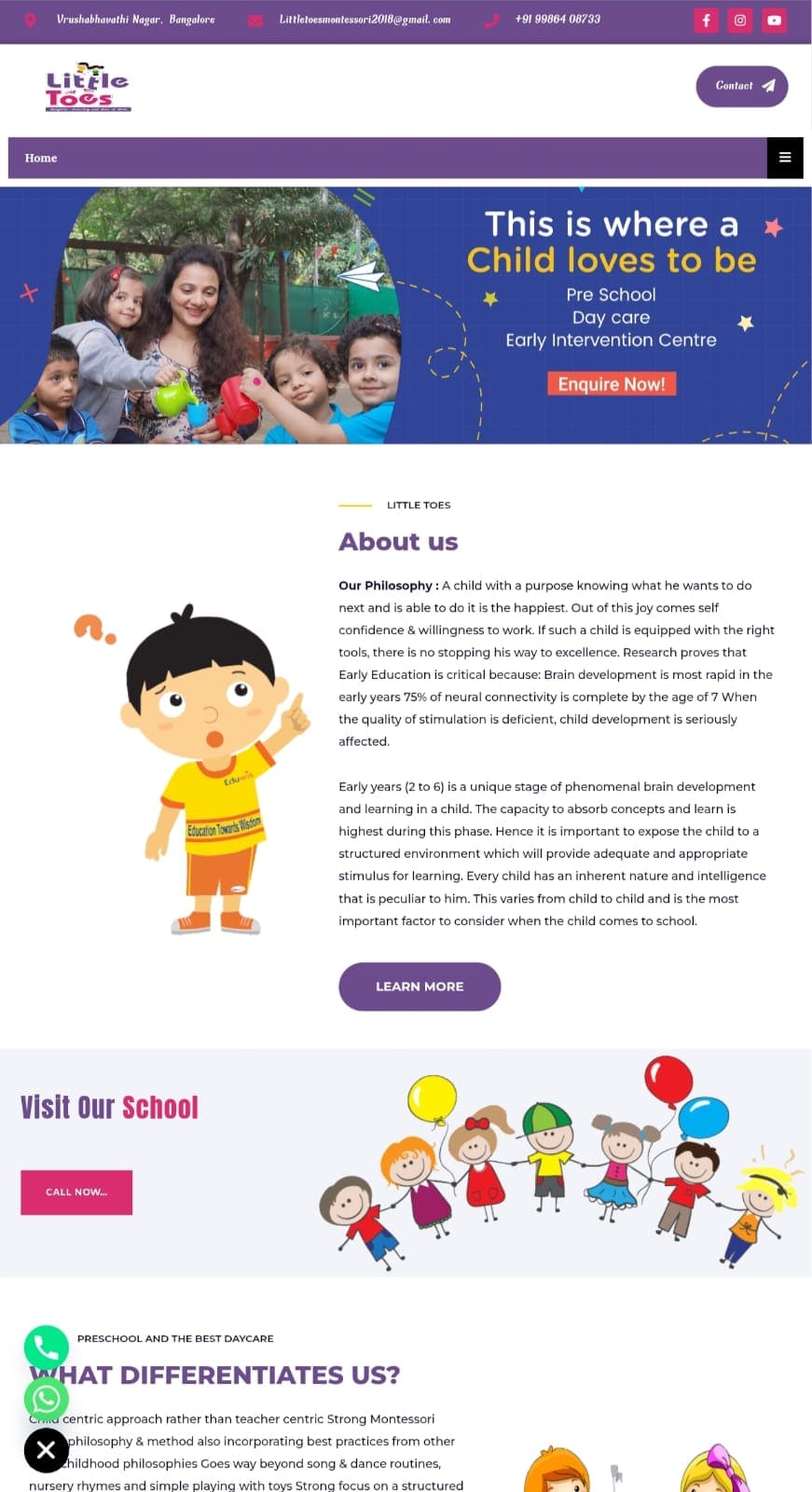
Preschool website design
Review summaries from clients who used our bulk SMS services.
Highlighted dependable pricing, real-time tracking and API connectivity.
Praised the speed and efficiency of the bulk SMS support team.
Described Digital Infinizy as a preferred option for bulk SMS marketing in India.
Choose how customers reach you, what your team records, and how you follow up after a call.
Straight answers to common questions. Open any question to explore how the setup could work for your business.
It is a business phone number connected to an interactive voice response menu. Callers hear a greeting and choose an option before being routed according to your setup.
The menu can offer service, language or team choices where the chosen platform supports them. We will confirm the number, working hours, fallback destination and each handoff before launch.
Potentially. The answer depends on your CRM, telephony provider, access permissions and the information you want to exchange. Share your current tools so we can check the available integration path.
AI options depend on the tools selected and the use case. We can assess voice assistance, transcription or summaries and define when a human agent should take over.
Google Ads offers call reporting and call conversion measurement in eligible configurations. We can review your campaign setup and decide how to connect marketing measurement with your call workflow.
Compare IVR companies and agencies on the call journey they propose, the telephony provider they use, the cost of changes and the support available after launch. Your top priorities may be simple routing, reliable handoff or CRM context. Ask each IVR service provider to show how those needs would work in your setup before deciding.
Tell us your Cyber City service areas, busy hours, common questions and current phone tools. We will outline a concise menu and confirm provider, number and integration details before launch.
Share the number type and provider. We can check whether forwarding, migration or a new business number is practical before you change anything.
Yes, if the selected platform supports a language menu. We can agree which greetings, options and after-hours prompts are needed in each language.
Depending on the platform and your call flow, callers can wait in a queue, transfer to a backup team, leave a message or enter a callback workflow.
Yes, where the platform supports scheduling. Set the holiday dates and decide which calls should be recorded as messages or sent to an on-call team.
Timing depends on number activation, prompt approval, routing complexity and integration access. We can agree on a go-live date after reviewing those dependencies.
Ask for separate setup, number rental, call usage, additional agents, recording storage, integrations and ongoing support charges as applicable.
Recording depends on your platform and configuration. Agree on notices, permissions and storage rules before enabling it.
A shared number can route calls by branch choice, department or configured schedule. Test the route and backup for each participating office.
Start with answered and missed calls, wait time, abandoned calls and completed callbacks. Use these to identify where staffing or menu choices need adjustment.
Make external test calls for each prompt and department, then test queues, after-hours rules, unanswered calls, incorrect key presses and any lead handoffs.
Tell us your current number, busiest periods and which teams should answer. We’ll use those details to discuss setup options and the scope of your quote.
Find practical guides for running and growing your business. Our recent posts cover how customers discover you in search, what to prepare before an office interiors quote, and how to choose laptop rentals for your team.

A practical guide to SEO, local SEO, AEO and GEO.

What to decide before asking for a quote.

A rental guide for businesses in 2026.